Impact Lab Realistic Explosions soon Normal View vs Pressure View
Turn cinematic impacts into scouting data—peek Pressure, mark VIP lanes, then commit with the right round.
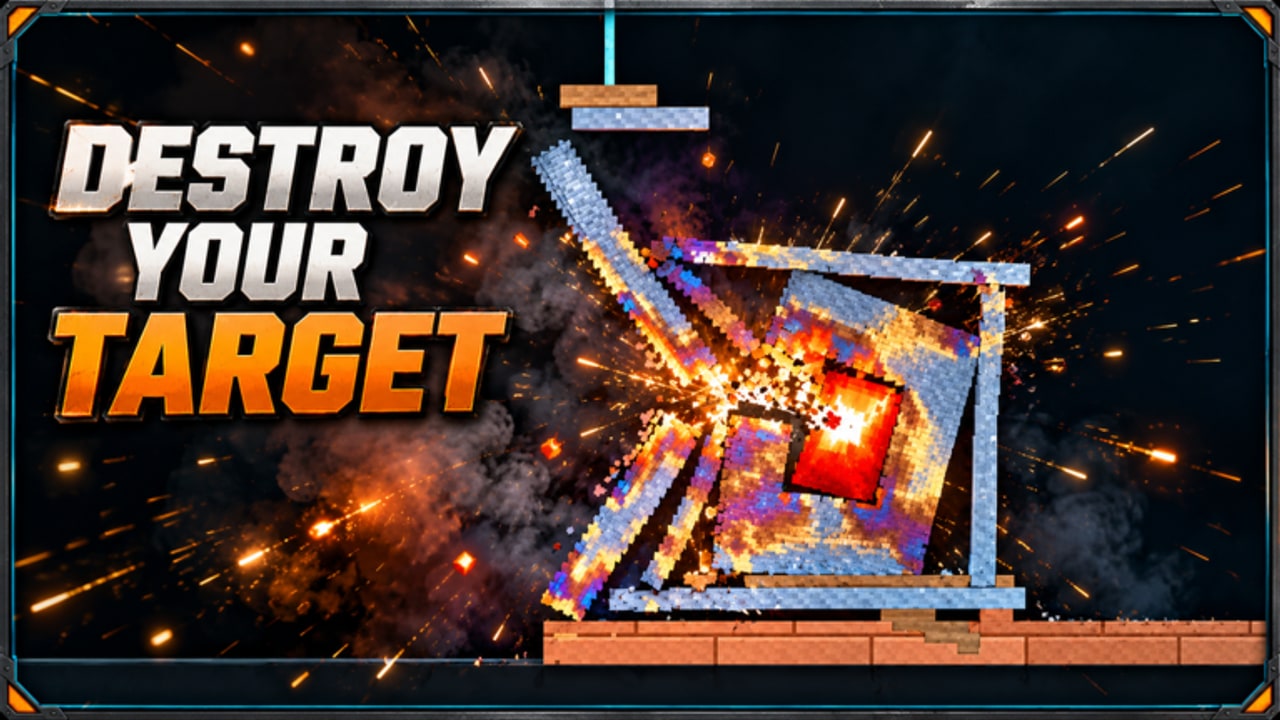
Pressure view is the skill divider in Impact Lab: Realistic Explosions soon! Normal view sells the fantasy—projectiles squash, armor bends, explosions bloom. Pressure view sells the spreadsheet underneath that fantasy: where stress concentrated, which plates actually took the load, and whether your VIP corridor is one shot from failure. This guide teaches when to toggle, what to look for, and how to turn peeks into winning commits. Pair it with How to Win PvP, Getting Started, and round rankings on Rounds Tier List.
Why two views exist
LOQualitygamez built Impact Lab as a physics reading game. If you only watch Normal view, you remember the biggest fireball. If you use Pressure view, you remember the plate that almost opened a tunnel to the VIP. Casual PvP still looks spectacular; competitive habits live in the toggle.
Free-Form Creation is removed in this version, so you cannot rebuild your way out of bad reads. You must extract information from each impact and spend the next turn—or the next coin—accordingly. That makes Pressure literacy mandatory, not optional flavor.
Normal view: what it is good for
Use Normal view to:
- Align aim and power with visible geometry.
- Judge flight path, bounce risk, and contact point.
- Appreciate collapse order for structural planning on buildings.
- Communicate with teammates or spectators about what “looked” strong.
Normal view is your aiming HUD and your storytelling camera. It is not your damage audit.
Pressure view: what it reveals
Use Pressure view to:
- Spot stress hotspots after a hit.
- Compare which layers absorbed energy versus which transferred it.
- Confirm whether a cosmetic hole matters to the VIP lane.
- Audit your own fortress after an enemy shot before you decide to upgrade or ignore.
Think of Pressure as a post-shot replay focused on force, not fireworks. The habit that wins: peek after every meaningful impact, yours and theirs.
The peek-then-commit loop
- Fire a probe at a seam, joint, or outer plate near the suspected VIP path.
- Toggle Pressure immediately.
- Mark the hottest zone relative to landmarks (roof line, door cut, turret ring, bunker lip).
- Decide peel versus punch.
- Select Needle/AP-style for penetration through a thin path, or controlled HEAT to strip layered plates.
- Return to Normal view to aim the commit shot with correct power—not automatic max.
Blind max-power spam skips steps 2–4. That is why it is weak in community meta notes: you spend the turn and the energy without buying information.
Reading stress on each fortress type
Tank
Pressure often lights up face plates and junctions near the VIP capsule. A bright hotspot on a thin face is a green light for Needle/AP. A hotspot that dies on a thick skirt means you peeled paint, not progress—adjust aim inward toward the protected volume. See also Fortress Tier List.
Bunker
Expect deep stacks. Early Pressure peeks may show outer plates eating everything. That is not failure; that is your cue to run a controlled HEAT peel sequence across multiple turns. Reinforced bunkers are strong for VIP protection—Pressure helps you measure how many peels remain before a penetrator becomes honest.
Building
Watch whether stress travels into columns that support the VIP floor. A dramatic wall failure with cold Pressure near the VIP is a trap. A modest hit that lights the load path is gold. Buildings reward patient structural reads more than any other preset.
Offensive Pressure habits
- After your probe, ask: did stress reach nearer to the VIP than last turn?
- If yes, repeat the vector with a harder round or slightly tuned power.
- If no, change contact point before changing ego power levels.
- When a peel removes a plate, Pressure-check the newly exposed face before celebrating.
Offensive mastery is covered in broader duel theory: How to Win PvP.
Defensive Pressure habits
- After their shot, toggle before you daydream about revenge.
- If Pressure shows your VIP corridor glowing, plan the next coin spend around that lane—Armor Upgrades.
- If the hit was loud but Pressure is quiet near the VIP, do not panic-buy; save coins for a real threat.
- Track repeated enemy angles; Pressure plus memory predicts their next commit.
Power control and Pressure
High power can create messy, hard-to-read impacts that smear information across too many parts. Moderate power often yields cleaner Pressure signatures. Once the signature is understood, raise power for the finishing commit. This is the opposite of spam culture and the core of “Pressure peek then commit.”
Practice power bands in the material range and campaign labs: Campaign Walkthrough.
Round choices informed by Pressure
| Pressure read | Prefer |
|---|---|
| Thin path already stressed | Needle/AP-style penetration |
| Layered plates still cold behind a hot shell | Controlled HEAT peel |
| Wide structure ready to fail toward VIP | Heavy explosive (situational) |
| Mixed partial peel + partial path | Hybrid after you understand both |
| No clear hotspot | Another probe, not max spam |
Full round rankings: Rounds Tier List.
Common Pressure mistakes
- Toggling once per match “for fun.”
- Reading only your shots, never theirs.
- Confusing cinematic debris with VIP-relevant stress.
- Raising power because the last Pressure peek looked boring—boring can mean you missed the plate.
- Ignoring Pressure after upgrades; new armor changes where stress dies.
Training drills
- Mandatory peek duel — every turn ends with a Pressure check, no exceptions.
- Screenshot memory — mentally photograph hotspot landmarks for three turns.
- Range calibration — same plate, three power levels, compare Pressure clarity.
- Defense audit — lose on purpose once while only studying your own Pressure after each hit, then buy the correct armor tier.
New players should fold these drills into Getting Started routines. Input tips for the toggle itself are on Controls.
How Pressure interacts with meta picks
Reinforced bunker VIP play buys you time to Pressure-read. Needle/AP rewards accurate peeks with decisive finishes. Controlled HEAT turns “thick but stressed” shells into opportunities. Players who skip Pressure make bunkers look unbreakable and make penetrators look random. The tool does not replace aim; it tells aim where to work.
Stay current when patches change visuals or round feel via Updates. Promo status remains on Codes—no verified codes today—but Pressure skill does not depend on codes.
Summary
Normal view aims. Pressure view audits. Peek after meaningful hits, mark VIP-relative hotspots, choose peel or punch, then commit with deliberate power. That loop is the difference between watching explosions and winning Impact Lab duels. Continue with How to Win PvP for full match structure and the Tier List Hub for what to fire once the read is clear.
Frequently Asked Questions
Quick answers to the most common Impact Lab questions.
When should I switch to Pressure view?
After every meaningful impact—yours and your opponent’s. Peek, mark stress near the VIP lane, then return to Normal view to aim the next shot.
Why is max-power spam bad if explosions look bigger?
It often wastes energy on outer plates and smears information. Moderate probes create cleaner Pressure reads so your commit shot actually matters.
Does Pressure view help defense too?
Yes. Audit your VIP corridor after enemy hits. Upgrade armor where Pressure shows repeated stress, not where debris looked dramatic.
What round should I use after a good Pressure peek?
Needle/AP-style for thin stressed paths; controlled HEAT to peel layered plates; avoid another blind max-power shot.